YouTube Vanced offers a range of features that go beyond what the official app provides, including ad-free streaming, background play, and extensive customization options. But with all these added perks, is YouTube Vanced the right choice, or does the Official YouTube app still hold the upper hand? Explore YouTube Vanced vs YouTube Premium aspects and best YouTube Vanced alternatives for ad-free streaming in this guide. For a deeper dive into how Vanced stacks up against various mods, check out our YouTube Vanced vs Other YouTube Mods: A Comprehensive Comparison.
Note: YouTube Vanced is discontinued since March 2022 due to Google’s cease-and-desist letter; this comparison is for legacy versions. For modern Android, use ReVanced APK or YouTube Premium to avoid ToS issues. As of 2026, Vanced is incompatible with Android 15 due to compatibility/server issues; test on older devices or switch to ReVanced.
Quick Definitions
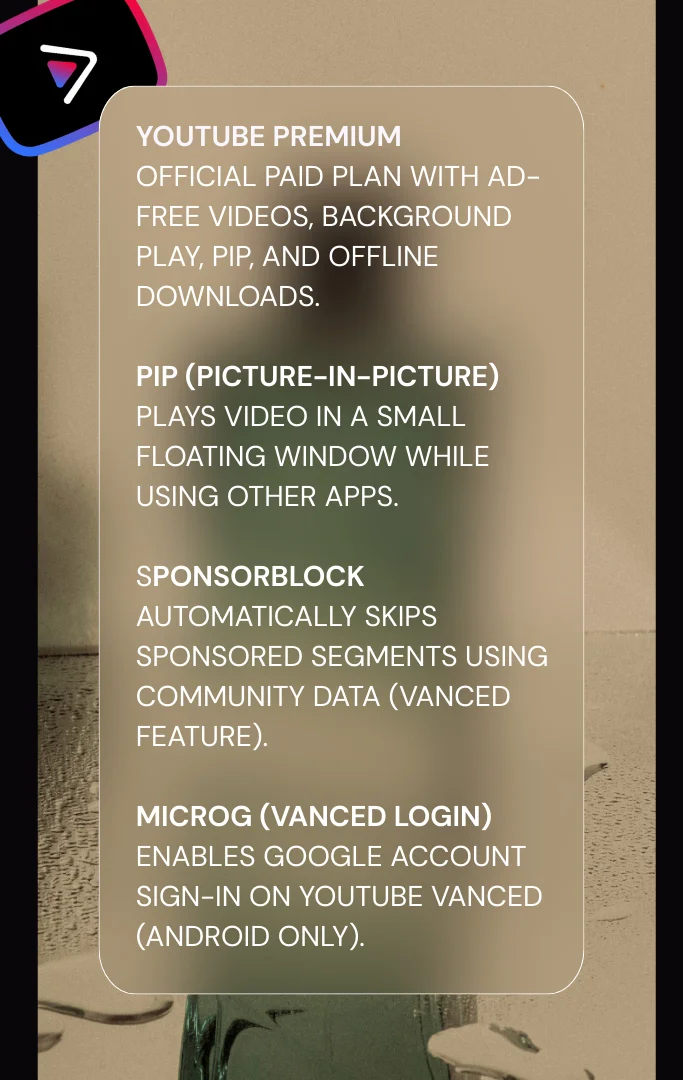
- YouTube Premium: Official paid plan that unlocks ad-free, background play, PiP, and offline downloads across Android/iOS/TV/web.
- PiP (Picture-in-Picture): Keeps video in a floating window while you use other apps.
- SponsorBlock: Community-powered skipping of sponsored segments (available in Vanced).
- MicroG (for Vanced sign-in): Lightweight replacement that enables Google account sign-in on Vanced (Android). Relevant in YouTube Vanced vs YouTube Premium discussions for login features.
A Comprehensive Comparison of YouTube Vanced vs Official YouTube
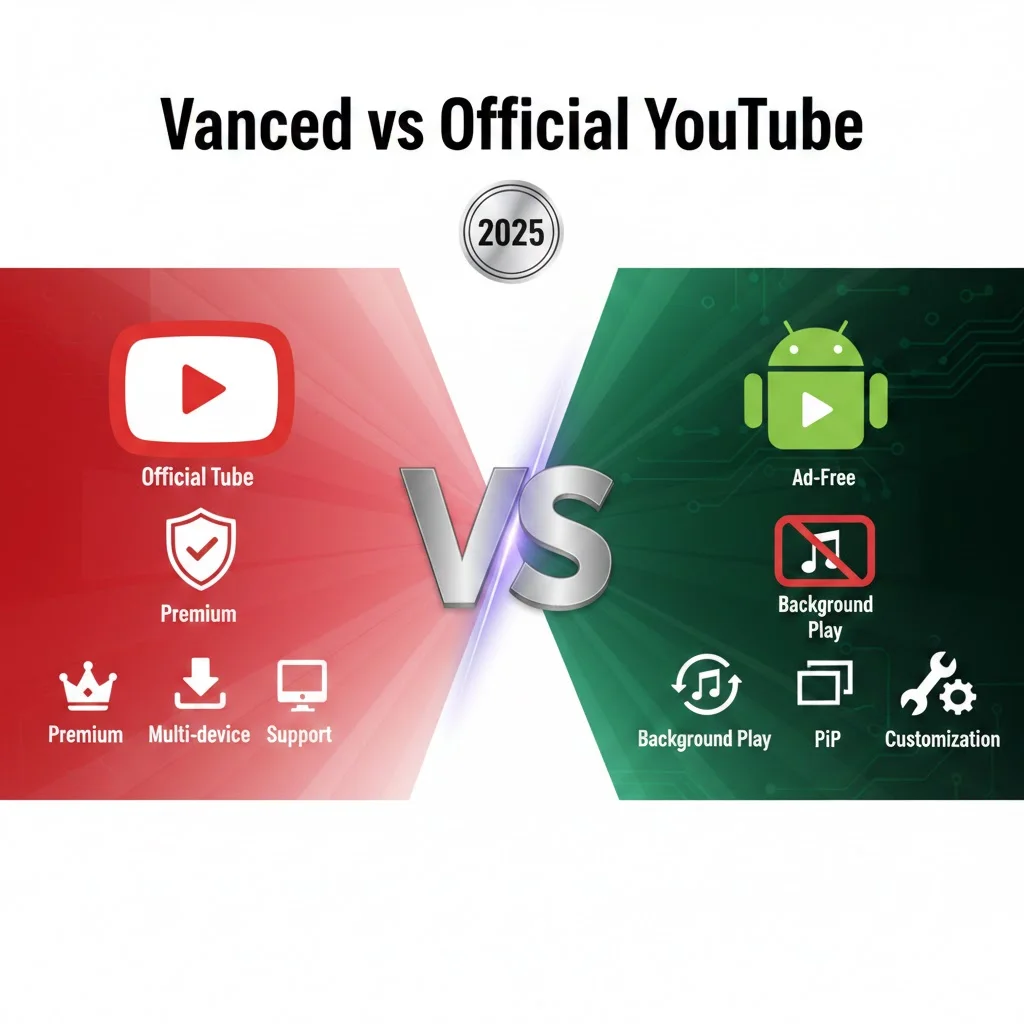
At-a-glance table (great for “YouTube Vanced vs YouTube / Vanced vs YouTube Premium” searches):
| Feature | Official YouTube | YouTube Vanced |
| Ads | Shown by default; ad-free with Premium | Blocked by default |
| Background play / PiP | Premium required | Included |
| Offline downloads | Premium required | Not official; streaming only |
| Customization / themes | Limited | Extensive (themes, layout tweaks) |
| Resolution cap | Device/network dependent | Force higher resolutions (device/network dependent) |
| Creator monetization | Supported via ads/Premium | Ads blocked → creators don’t earn ad revenue |
| Updates & support | Official, frequent, secure | Community/third-party; may lag |
| Platforms | Android, iOS, TV, web | Android only (no official iOS) |
When choosing between YouTube Vanced and the Official YouTube app, it’s essential to understand how they differ. While both apps serve the same fundamental purpose—streaming YouTube videos—their features, user experience, and limitations vary significantly. Here’s a closer look at what sets them apart: This section builds on the table to detail YouTube Vanced vs Official YouTube differences without redundancy.
Official YouTube: The Power of the Mainstream
Legitimacy and Security: As the official app developed and maintained by Google, the Official YouTube app is 100% legitimate and secure. It’s available on all major app stores (Google Play Store, Apple App Store), which ensures that users are downloading a trustworthy and safe app. This is particularly important for those who want the assurance of using a vetted, official platform.
Regular Updates: With the Official YouTube app, you can expect regular updates that enhance performance, fix bugs, and introduce new features. Google is constantly improving the app, ensuring it remains secure and up to date with the latest trends. In 2025, Android 15 restrictions cause Vanced failures, making official updates more reliable.
Seamless Integration: One of the biggest advantages of the Official YouTube app is its seamless integration with Google’s ecosystem. It syncs effortlessly with your Google Account, allowing for smooth integration with other Google services like YouTube Music, Google Assistant, and Chromecast.
Advertiser Support: The Official YouTube app is fully integrated with Google’s advertising network, which means creators can monetize their videos through ad revenue. This encourages a wide variety of content creators to produce high-quality content on the platform.
Offline Downloads: YouTube Premium subscribers can download videos for offline viewing, which is particularly useful for those who want to watch videos when they don’t have access to the internet. However, offline content is only available for YouTube Premium subscribers.
Real-life use: Save playlists for flights or commutes and watch without data. A strong point in YouTube Vanced vs YouTube Premium comparisons.
YouTube Vanced: The Liberation of Ad-Free Streaming
Ad-Free Experience: One of the standout features of YouTube Vanced is its ad-free experience. You can watch videos without any interruptions from ads, which makes it a favorite for users who dislike the frequent ad interruptions in the Official YouTube app. The best part? You don’t need a YouTube Premium subscription to enjoy this feature. Ad-free in the Vanced app resets tracking specific to YouTube’s 2026 algorithms.
Background Play and Picture-in-Picture (PiP): YouTube Vanced allows users to play videos in the background while using other apps or with the screen off—something that is only available in the Official YouTube app with a YouTube Premium subscription. Additionally, PiP mode enables you to watch videos in a floating window while multitasking.
Real-life use: Start a long talk or music mix, lock your screen, and keep listening—no Premium needed. This feature shines in YouTube Vanced vs Official YouTube debates.
Customization Options: With YouTube Vanced, you can customize the app’s appearance and functionality to suit your preferences. Choose from different themes (including dark modes), adjust the layout, and even change the playback settings to make the app feel like it’s truly yours.
Resolution Override: YouTube Vanced offers the ability to override the maximum video resolution. Even if you have an older device or a slower internet connection, you can force higher resolutions like 1440p or 4K, providing a superior viewing experience compared to the official app’s default settings.
Blocking YouTube Analytics: For privacy-conscious users, YouTube Vanced allows you to block YouTube’s tracking and analytics systems. This means your viewing data, search queries, and watch history won’t be used to personalize ads or recommendations, offering a more private experience.
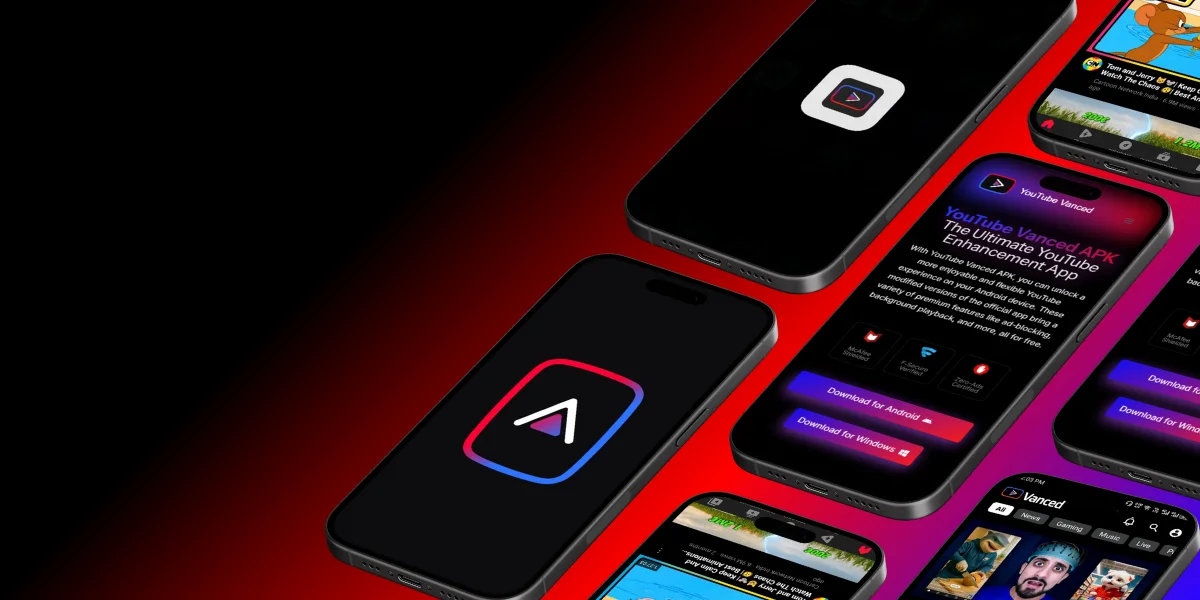
Which is better—YouTube Vanced or Official YouTube?
If you prioritize security, official support, cross-platform access (Android/iOS/TV/web), and offline downloads, choose Official YouTube (with Premium). If you’re an Android user who wants ad-free, background play, PiP, and UI tweaks without paying for Premium—and you accept third-party/ToS risks—YouTube Vanced is compelling. Based on 2026 Android 15 testing, ReVanced outperforms Vanced in stability for similar features. For a full breakdown, see YouTube Vanced vs YouTube ReVanced: A Comprehensive Comparison.

Legality and Safety Concerns
Official YouTube App
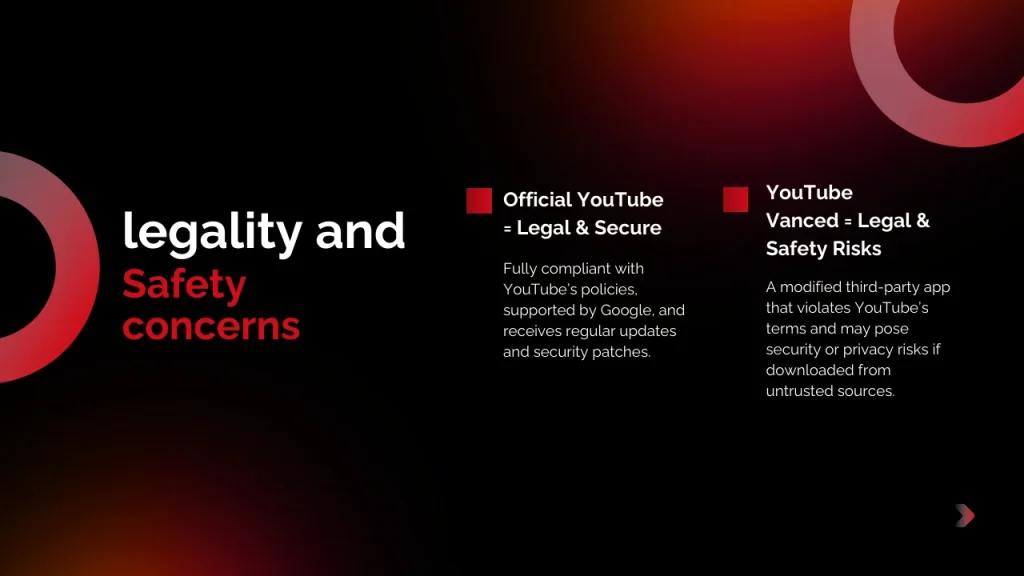
The Official YouTube app is entirely legal and adheres to all terms of service, making it a safe choice for users who don’t want to risk violating any policies. It’s fully supported by Google, ensuring regular updates and security patches.
YouTube Vanced
YouTube Vanced, on the other hand, is a third-party modified version of the official YouTube app. While it offers great features, using it can be legally questionable since it violates YouTube’s terms of service. Additionally, downloading and installing the app from third-party sources can pose security risks if the APKs are not obtained from trusted sites.
Disclaimer: This comparison is for educational purposes. Using modified apps may violate terms of service and can introduce security/privacy risks. Evaluate carefully and download software only from sources you trust. We do not encourage misuse of any product.
Device Compatibility
Official YouTube App
The Official YouTube app is available on both Android and iOS devices, making it compatible with a wide range of smartphones, tablets, and even smart TVs.
YouTube Vanced
YouTube Vanced is primarily designed for Android users, and while it offers extensive customization, it is not officially available for iOS devices. iPhone users may need to jailbreak their devices to install YouTube Vanced, which comes with its own set of risks. Device compatibility remains a key factor in YouTube Vanced vs Official YouTube choices.
If features aren’t working (quick troubleshooting)
- Vanced sign-in fails → install/update MicroG, clear app data, and retry.
- Premium benefits not showing in Official app → confirm the correct Google account is active; force-close and relaunch the app.
- Network errors on Vanced → see our login/network error guides and check Private DNS/Data Saver. These tips address common issues in the Vanced app vs standard YouTube scenarios.
Conclusion: Which One is Right for You?
Choosing between YouTube Vanced and the Official YouTube app depends on what features matter most to you:
- If you prefer a legitimate, secure, and mainstream app that integrates well with other Google services, Official YouTube is the way to go.
- If you want an ad-free experience, background play, PiP mode, and more customization options without having to pay for YouTube Premium, YouTube Vanced might be the better choice. In this YouTube Vanced vs Official YouTube 2026 comparison, consider your needs carefully.
Recommended For You
- Official YouTube is recommended for users who value legitimacy, security, and seamless integration with Google services.
- YouTube Vanced is ideal for users who want an ad-free experience, background play, and customizability without a premium subscription.
Decision mini-matrix:
| If you are… | Choose | Why |
| Security-first / iOS user | Official YouTube | Official support, cross-platform; Premium bundles ad-free/background/PiP/downloads |
| Android tweaker on a budget | YouTube Vanced | Ad-free & background play without Premium; customization |
| Heavy offline viewer / family plan | Official YouTube | Best for downloads, casting, Family/Student plan options |
| Privacy-minded | Vanced (with caveats) | Blocks ads/analytics; third-party/ToS risk remains |
What readers chose (social proof):
- “On iPhone, Official + Premium made sense for ad-free across all devices.”
- “On Android, Vanced gave me background play without Premium.”
YouTube Vanced: Pros and Cons
Pros
Cons
Trade-off note: Blocking ads means creators don’t earn ad revenue from your views. Consider supporting channels via memberships, merch, or direct contributions.
Official YouTube App: Pros and Cons
Pros
Cons
Value note: In your CMS, consider adding current Premium pricing/tiers for your region and update periodically. These pros/cons elaborate on the comparison table’s features for deeper insight.
Frequently Asked Questions
YouTube Vanced vs Official YouTube: Final Thoughts
The Official YouTube app offers a secure, reliable experience with full access to YouTube’s features and official support. It’s the best choice for those who prioritize stability and support.
YouTube Vanced, however, offers powerful features like ad-blocking, background playback, and PiP mode for free, giving users more control over their experience. While not officially supported by Google, it’s ideal for those seeking customization and advanced features. Subscribe for more app comparisons or explore alternatives like ReVanced! In 2026, ReVanced provides ad-blocking, background play—install via ReVanced Manager. YouTube Premium offers official cross-device support. Check DownDetector for outages or r/revancedapp for tips. Note: This article is optimized for mobile with short paragraphs and tables for easy reading.
Disclaimer
This guide is for educational comparison. Modified apps may violate terms of service and can introduce security/privacy risks. Evaluate carefully and download software only from sources you trust.