
Unfortunately, YouTube Vanced for iOS is not officially supported on iOS, but there are alternatives like uYouPlus that offer comparable features, allowing iOS users to enhance their YouTube experience.
Is There YouTube Vanced for iOS?
YouTube Vanced for iOS is specifically designed for Android, and there’s no official version available for iOS devices. However, alternatives such as uYouPlus and YT++ replicate many of the features found in YouTube Vanced, offering a modified YouTube experience with ad-blocking, background playback, and other enhancements.
These alternatives are widely used by iOS users seeking a better YouTube experience.
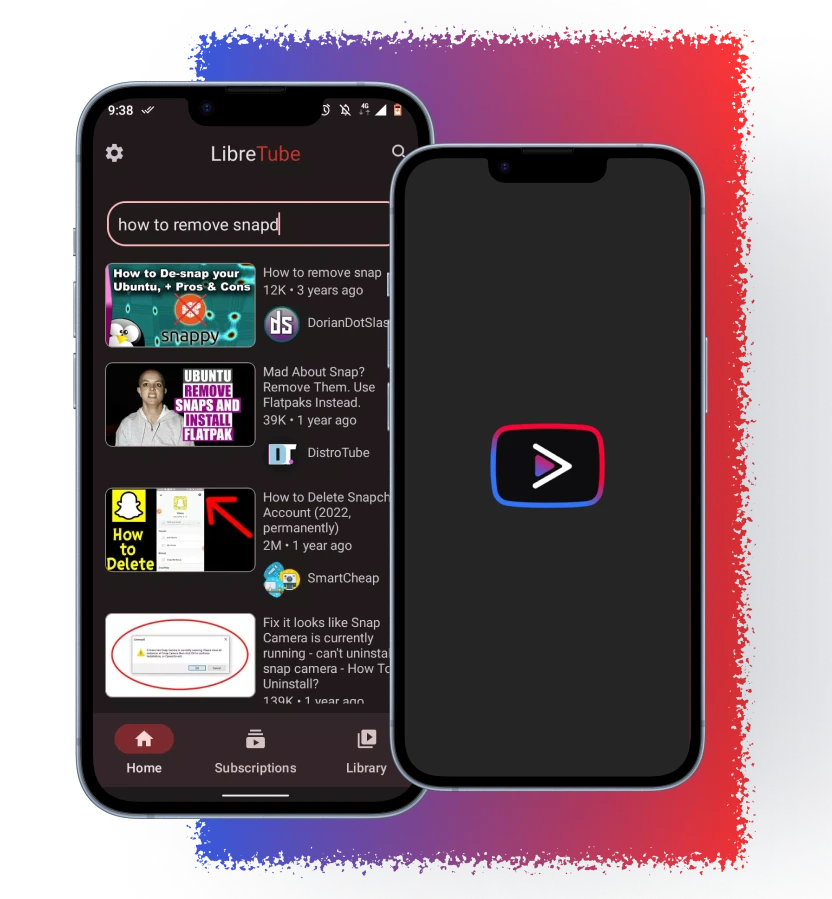
Features of YouTube Vanced for iOS
Though YouTube Vanced isn’t available for iOS, alternatives like uYouPlus replicate many of its popular features. Here’s a look at some of the standout features provided by these alternatives:
No Ads
Block all ads, including video and banner ads, for an uninterrupted YouTube experience. This feature is a major benefit for users who are tired of ads interrupting their viewing.
Note: Effectiveness can vary and may change without notice.
Background Playback
This feature allows you to continue listening to music or videos while using other apps or when your screen is off. It’s perfect for multitasking, especially for podcasts, music, or long videos.
Note: Behavior can depend on iOS version and the app’s current entitlements.
Picture in Picture (PiP)
Watch YouTube videos in a small, floating window while using other apps. PiP lets you multitask and enjoy YouTube without being restricted to the app.
Note: Availability may change with iOS updates and per-app permissions.
Video Downloader
Download videos and audio in high quality, up to 4K resolution and 60 FPS, for offline viewing. This feature is useful when you’re traveling or in areas with limited internet access.
Important: Availability may be intermittent, can conflict with YouTube’s ToS and local laws. Verify legality before downloading content.
SponsorBlock
Automatically skip sponsor segments in YouTube videos, allowing you to skip straight to the main content. This feature is a huge time-saver for those who find sponsor ads disruptive.
Note: Uses a community database; skips may be imperfect.
Dislike Button
Bring back the dislike button, which was removed from the official YouTube app. This feature lets you see the dislike count on videos, helping you gauge community feedback.
Note: Powered by Return YouTube Dislike community data; counts are estimates and may change.

How to Install YouTube Vanced for iOS
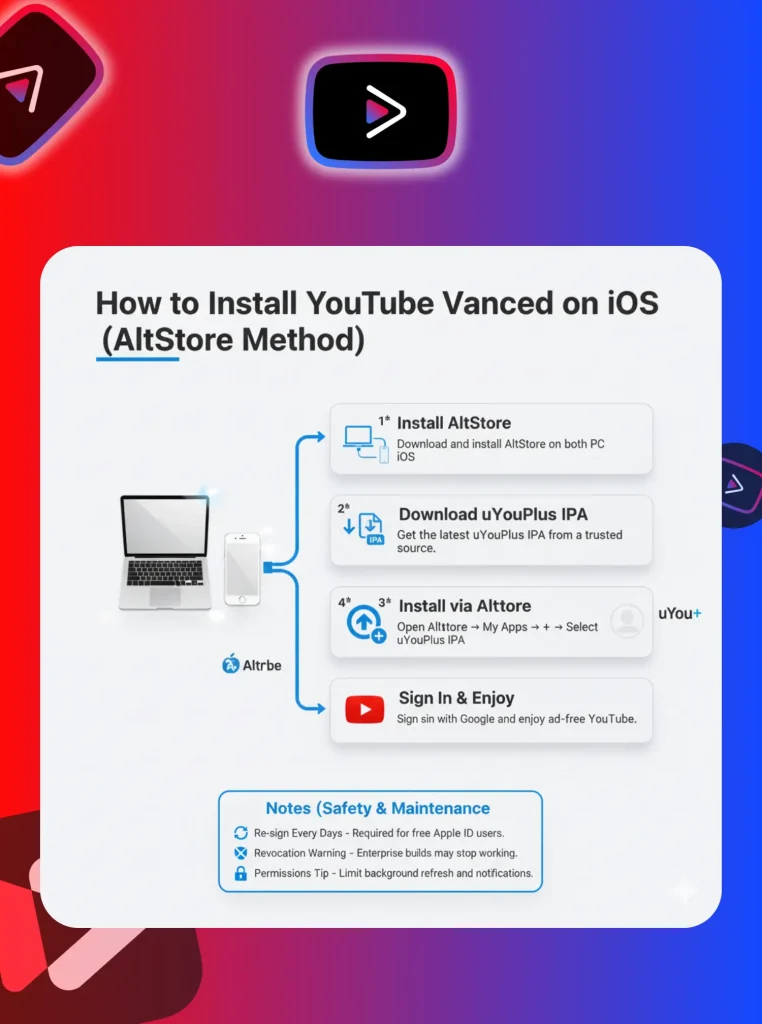
While YouTube Vanced itself isn’t available for iOS, alternatives like uYouPlus can be installed using third-party methods such as AltStore or Cydia (for jailbroken devices). Here’s how to install uYouPlus on your iPhone or iPad:
Notes (safety & maintenance)
- Re-signing: With a free Apple ID, sideloaded apps usually require refreshing every 7 days via AltServer.
- Revocations: Enterprise-signed builds can stop working suddenly if their certificate is revoked.
- Permissions: Limit notifications, background refresh, and network access where possible.
System Requirements
Additional requirements (practical)
- Computer for AltStore: macOS or Windows with AltServer installed on the same network.
- Apple ID: Required for sideloading (free or paid developer).
- Maintenance: Expect 7-day re-signing on free accounts.
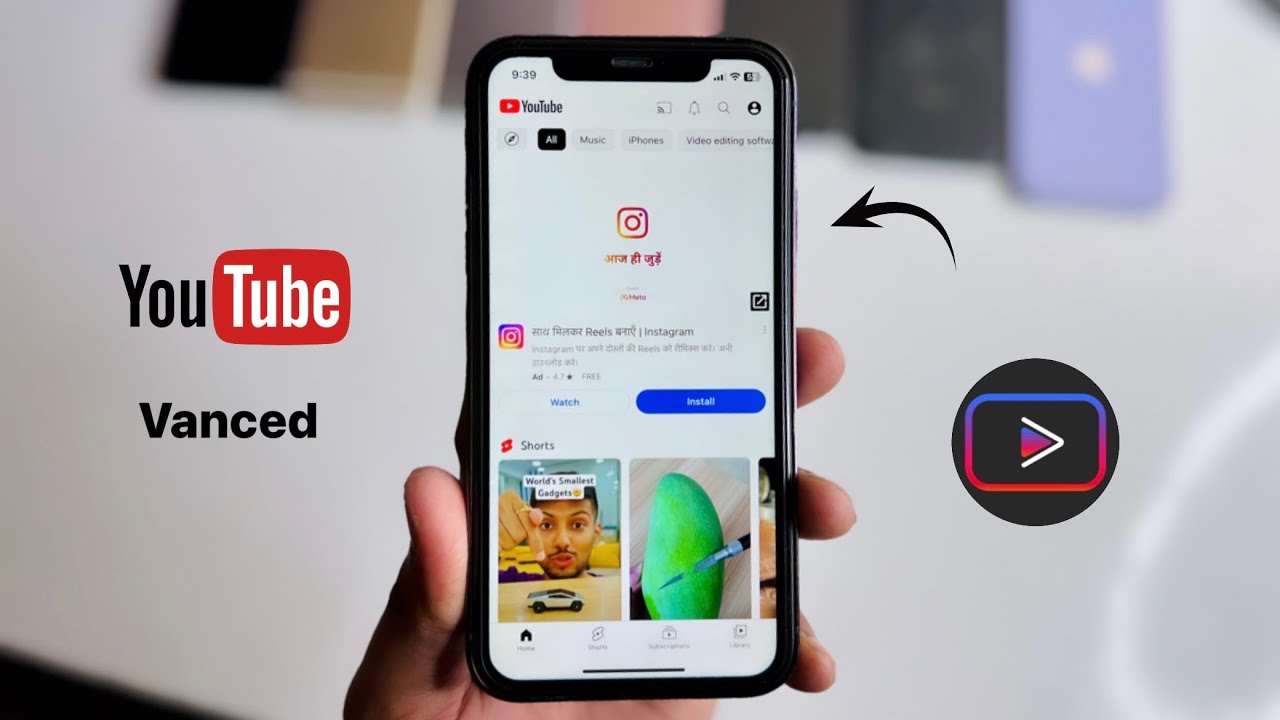
Procedure to Download Youtube vanced/revanced for iOS (Video)
Is It Safe to Download YouTube Vanced for iOS?
While it’s possible to download modded versions of YouTube Vanced for iOS, it comes with security risks. These apps are not available through the Apple App Store, meaning Apple actively blocks them to prevent potential security threats. Downloading from untrusted third-party sources may expose your device to malware or data breaches. For safety, it’s recommended to use the official YouTube app or YouTube Premium for a secure, ad-free experience.
Alternatives of YouTube Vanced for iOS
If YouTube Vanced isn’t available for iOS, there are several alternatives that can provide a similar experience:

YouTube Premium
For a legitimate and secure experience, YouTube Premium offers an ad-free environment, background playback, and offline video downloads. It’s the safest choice and helps support content creators.
Pi-Hole
Pi-Hole is a network-wide ad blocker that can be used on your home Wi-Fi to block YouTube ads. However, it only works when connected to your home network and won’t function with mobile data unless you set up a VPN.
Note: Due to HTTPS and server-side ad stitching, Pi-hole may not block all YouTube ads — especially in the YouTube app.
YT++ and Cercube
These apps offer similar functionality to YouTube Vanced but require jailbreaking or using third-party tools like AltStore. They allow ad-blocking, background playback, and additional customizations for a better YouTube experience.
Safari + Content Blockers (web only)
Use YouTube in Safari with reputable content blockers for some ad reduction on the web version (does not affect the native YouTube app).
Troubleshooting (iOS Sideloading)
- “Untrusted Developer” alert: Trust the profile in Settings → General → VPN & Device Management.
- App stopped opening: Certificate expired/revoked — refresh in AltStore/AltServer or reinstall.
- Google sign-in loop: Clear app data; try web-based sign-in; confirm the build supports your iOS version.
- PiP missing: Enable Settings → General → Picture in Picture and verify your iOS version.
- Crashes after update: The mod may lag behind official app changes; wait for an updated build or disable auto-updates.
Ethical and Security Considerations
Violation of YouTube’s Terms of Service: YouTube Vanced alternatives like uYouPlus and YT++ violate YouTube’s terms, as they modify the official app’s functionality, including ad-blocking and background playback features, which are intended for premium users.
Lack of Official Support: These apps are not officially supported by Apple, meaning they bypass Apple’s App Store policies and security protocols, which can expose your device to risks.
Security Risks: Downloading and installing modded apps from third-party sources increases the chance of malware, data theft, or privacy breaches. Since these apps are not reviewed by Apple, users are exposed to potential vulnerabilities.
Account Suspension Risks: Using YouTube Vanced alternatives can result in account suspensions or bans, as they violate YouTube’s terms of service. Users may face penalties like losing access to their accounts or content.
Device Vulnerabilities: These third-party apps often require jailbreaking your device or using external tools, which can compromise your device’s security, making it susceptible to other malicious activities or unauthorized access.
Lack of Updates: Since these apps are unofficial, they may not receive regular updates, which are crucial for improving security and ensuring compatibility with the latest iOS versions.
Frequently Asked Questions
uYouPlus vs Cercube vs YT++ vs Premium (Comparison)
uYouPlus: Free, rich features (ad-reduction, PiP, background play, downloads). Risk: Re-signing needed; breakage after updates possible.
Cercube: Similar feature set; often polished UI. Risk: ToS/ signing risks similar to uYouPlus.
YT++: Mod with customization; coverage may vary. Risk: Stability/signing concerns; availability fluctuates.
YouTube Premium: Official, stable, supports creators. Trade-off: Paid; no sideloading risk.
Conclusion
While YouTube Vanced for iOS is not available on iOS, uYouPlus, YT++, and Cercube offer similar features for iPhone and iPad users. These alternatives provide ad-blocking, background playback, and video downloads, enhancing the YouTube experience. However, users should be cautious about the security risks and ethical concerns associated with downloading third-party apps. For a more secure option, YouTube Premium is the best choice for iOS users seeking an ad-free experience.
CTA: Tried an alternative? Share your device, iOS version, and whether PiP/background play works — your notes help others.